

- Batch pipelines for scheduled data processing jobs
- Data integration pipelines for syncing data to and from different systems
- Streaming pipelines for real-time data processing
- Data loader blocks bring data into your pipeline from various sources
- Transformer blocks clean, filter, and reshape your data
- Data exporter blocks send processed data to its final destination
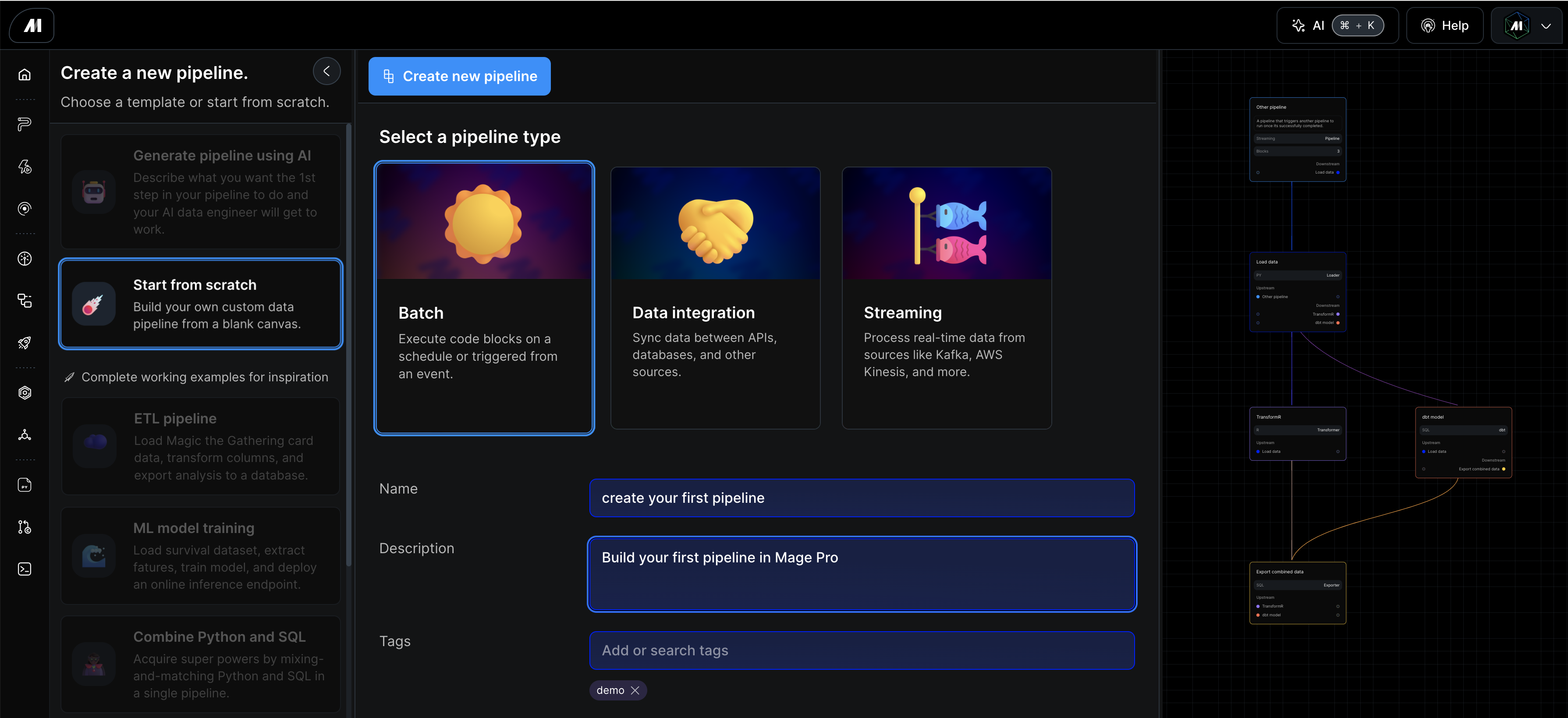 After you fill in the Name and optionally complete the Description and Tags, click the blue Create pipeline button. Pipeline names must be unique; if the name is already in use, the form shows A pipeline with this name already exists. and does not overwrite the existing pipeline. After creation, Mage takes you to the pipeline editor page where we will create our first data loader block.
Extract data from source systems
The first block we’ll add to out data pipeline is a data loader block. the data loader block is meant to extract data from source systems, whether its cloud storage, an API or database, Mage Pro has a connection for nearly anything.
Steps to create your first block:
Step 1: Click the “Blocks” button located in the upper left portion of the UI
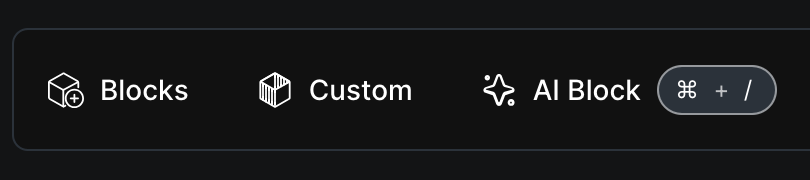 Step 2: A drop down menu will appear, just hover over “Loader“ then select the “Base template (generic)” block under Python.
Step 3: The Block name dialog will appear. Enter a name such as “fetch data,” then click Save.
This will add a new generic Python block to your pipeline. Once the block appears in your pipeline editor UI add the code below and click the “Run code” button located in the top right portion of the block.